
Close Menu
VirtualDailyNews
    Facebook X (Twitter) Instagram
    Facebook X (Twitter) Instagram
    VirtualDailyNews
    • Home
    • World
    • Tech
    • Business
    • Sport
    • Lifestyle
    VirtualDailyNews
    Home»Tech»How To Create an ISO File From a Disc or Folder
    Tech

    How To Create an ISO File From a Disc or Folder

    How To Create an ISO File From a Disc or Folder
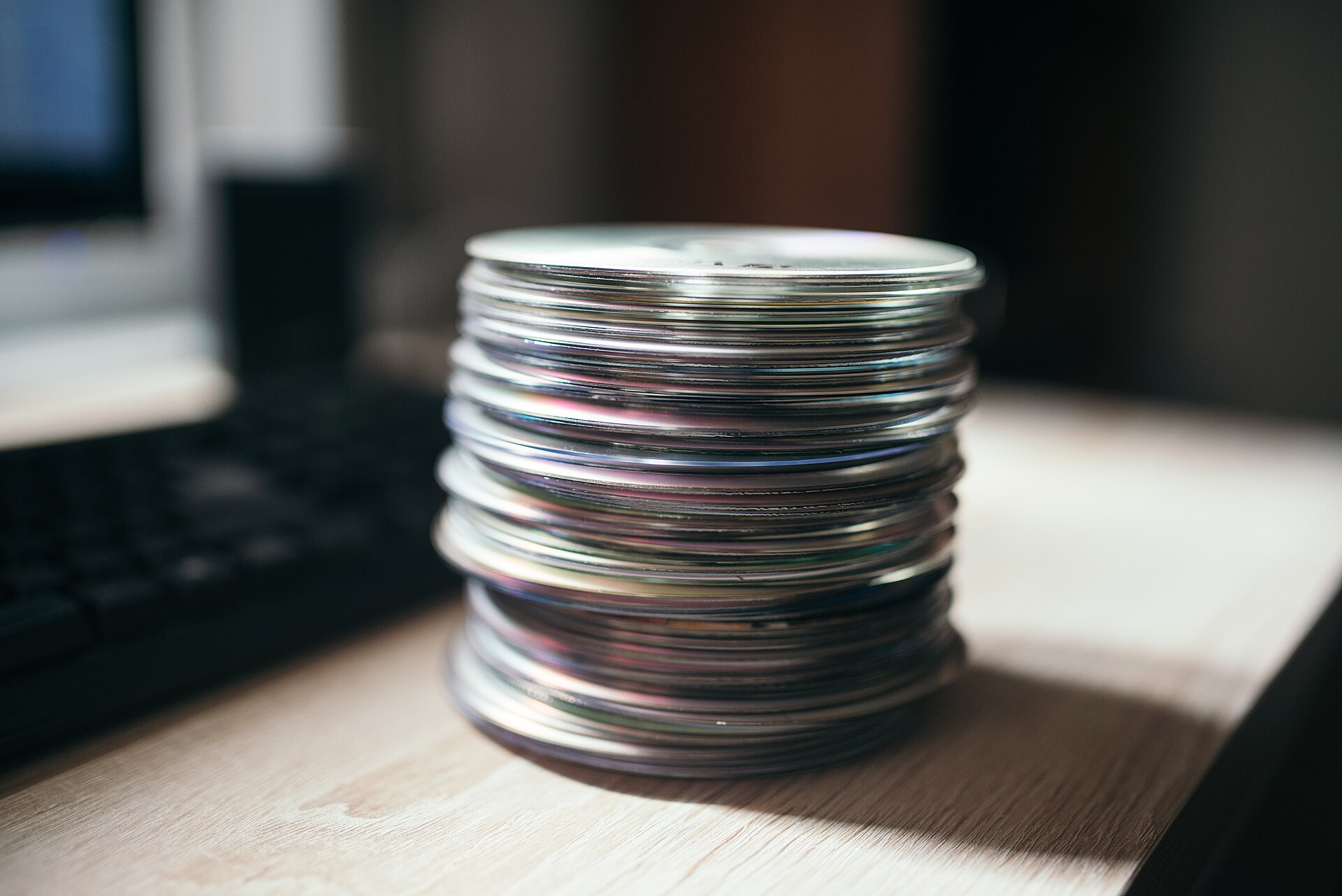
    Several compact discs are stacked on a wooden table. A computer keyboard is positioned nearby. This scene takes place in a home office during daytime.

    An ISO file is a complete copy of a disc stored as a single file — every folder, file and boot record preserved exactly. ISOs are how operating systems are distributed, how old software survives, and how careful people back up discs that are slowly degrading. Making one is simpler than most people expect.

    What exactly is inside an ISO

    An ISO image is a sector-by-sector snapshot of an optical disc, usually following the ISO 9660 standard. Unlike copying files in Explorer, which loses boot information and can miss hidden data, an image preserves the disc’s complete structure. That is why a mounted ISO behaves like the real disc: installers run, bootable media boots, and copy schemes that depend on layout keep working.

    For a straightforward tool, an iso creator designed for the job will read a disc or a folder of files and produce a clean, standard ISO image in a few clicks.

    Creating an ISO from a physical disc

    The process is deliberately boring, which is a compliment: insert the disc, choose it as the source, pick a destination and filename, and let the software read it. A good tool verifies the read, reports damaged sectors honestly, and produces an image you can mount immediately to confirm it works. Archiving a scratched but still-readable disc this way can rescue content that would be lost within a few more plays.

    Building an ISO from files and folders

    You can also assemble an ISO from scratch: gather the files, arrange the folder structure, choose a volume label, and write the image. This is how technicians package driver sets, recovery tools and software bundles into a single file that can be mounted, burned or uploaded. Adding boot information turns it into installation media for a PC with no working system.

    You can find one at isocreator.org and create your first image — from a disc or from files — in just a few minutes.

    Mounting, burning and using your images

    Modern Windows mounts ISOs natively with a double-click, presenting them as virtual drives. The same image can be written to a USB stick to create bootable media, burned back to a physical disc, or stored on a NAS as part of a tidy digital archive. Because an ISO is one file, it is easy to checksum, duplicate and include in ordinary backups.

    Keeping an archive that lasts

    Discs scratch, delaminate and disappear; files on redundant storage endure. If you archive a collection, name images clearly, keep a simple list of what each contains, and store copies in two places. An afternoon spent imaging your important discs is cheap insurance against the day the last working copy fails to read.

    Quick tips for ISO success

    • Clean a dusty or smeared disc gently before imaging it; read errors drop sharply.
    • Verify the image by mounting it as soon as creation finishes.
    • Use clear filenames with dates, so archives stay searchable years later.
    • Keep two copies of important images, on different storage, like any good backup.

    An ISO turns a fragile physical disc into a durable, portable file. Whether the goal is backup, installation media or simple tidiness, imaging your discs is a small job with permanent benefits.

    Bootable Media Disc Backup ISO Creator ISO Files
    Elspeth Hamilton

    Related Posts

    AI Data Center Spending Is Outpacing the Revenue It Must Earn

    October 15, 2026

    How Online Ticketing Simplifies Your Trip to Tawau

    February 27, 2026

    How WhatsApp Page and Telegram Chinese Help Freelancers Work Efficiently

    January 10, 2026

    How to Download Telegram Chinese Version Featuring Full Language Options

    January 10, 2026

    How to Send Large Files on WhatsApp Web and Telegram Download

    October 9, 2025

    Breakthrough Catalyst Promises Cheaper, Stronger Clean Hydrogen Energy

    August 26, 2025
    Leave A Reply Cancel Reply

    Search
    Latest Posts

    How To Create an ISO File From a Disc or Folder

    October 20, 2026

    How Driver Shortages Are Affecting Freight Costs and Delivery Times

    October 20, 2026

    NFC North Standings: The Race, the Tiebreakers and the Month That Decides It

    October 19, 2026

    Monday Night Football This Week: Preview, Context and What Is at Stake

    October 19, 2026

    10 Design Mistakes That Ruin EDDM Postcards (And What Great Samples Look Like Instead)

    October 19, 2026

    5 Reasons the US Health Insurance System Baffles Expats – And How Locals in Denton Navigate It

    October 19, 2026

    The 2025 US Contact Center QA Checklist: Why Call Center Transcription Is Now Non-Negotiable

    October 19, 2026

    Medicare Consulting vs. Going It Alone: What Retirees in the US Are Choosing in 2025

    October 19, 2026

    Air Mattresses for Hospital Beds: A Guide to Comfort and Patient Care

    October 19, 2026

    Boutique Commercial Real Estate Firms vs. National Brokerages: Which One Actually Gets You a Better Deal?

    October 19, 2026
    About Us

    VirtualDailyNews delivers the latest in world events, tech breakthroughs, business trends, sports highlights, and lifestyle inspirations.

    Curated for relevance and impact, every story captures the pulse of global change, innovation, and daily life with clarity and insight. #VirtualDailyNews

    Facebook X (Twitter) Instagram WhatsApp
    Popular Posts

    How To Create an ISO File From a Disc or Folder

    October 20, 2026

    How Driver Shortages Are Affecting Freight Costs and Delivery Times

    October 20, 2026

    NFC North Standings: The Race, the Tiebreakers and the Month That Decides It

    October 19, 2026
    Contact Us

    Thank you for your feedback! If you ever have questions, need assistance, or just want to connect, we’re always here to help. Don’t hesitate to reach out!

    Email: [email protected]
    Phone:  +923055631208

    Address: 567 King’s Road, London, SW10 0SZ, UK

    เว็บสล็อต | เว็บสล็อต | บ้านผลบอล | ทดลองเล่นสล็อต | เว็บสล็อต | หวยลาว | หวย

    Copyright © 2026 | VirtualNewsDaily | All Rights Reserved
    • About Us
    • Contact Us
    • Privacy Policy
    • Disclaimer
    • Terms & Conditions
    • Write For Us
    • SiteMap

    Type above and press Enter to search. Press Esc to cancel.

    WhatsApp us